
Sınav Saati
Every day and every minute until your exam.
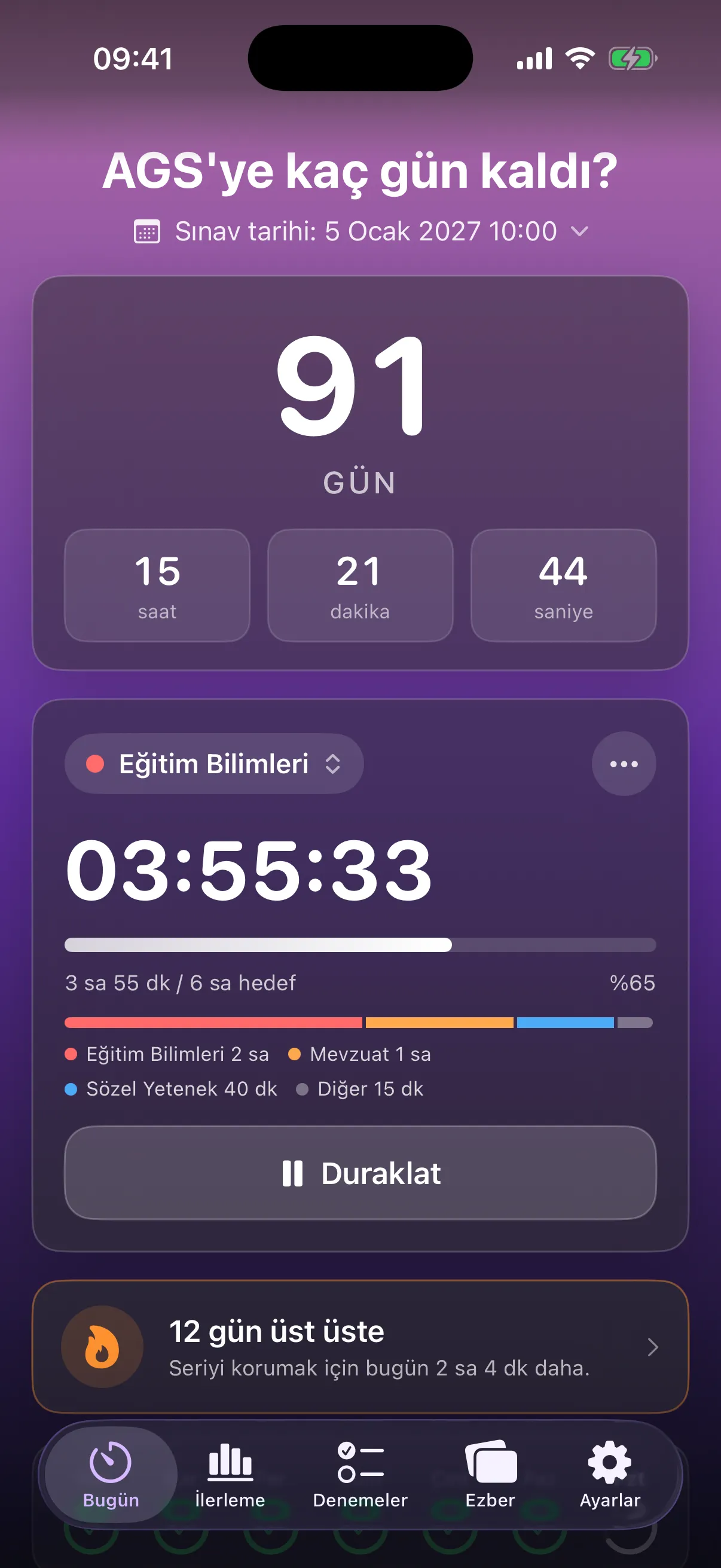
Count down to your exam and log every minute you study. Everything follows your own exam: the countdown, subjects, mock exams and flashcards in one place. The app is in Turkish.
Coming soon to the App Store
- iPhone · iOS 17.6+
- Turkish
- Free · optional Premium
Screens
What’s inside
- 01
Every minute counts
Start the timer on a subject and your time is split by subject. It stays in view on the Lock Screen and in the Dynamic Island.
- 02
See your progress
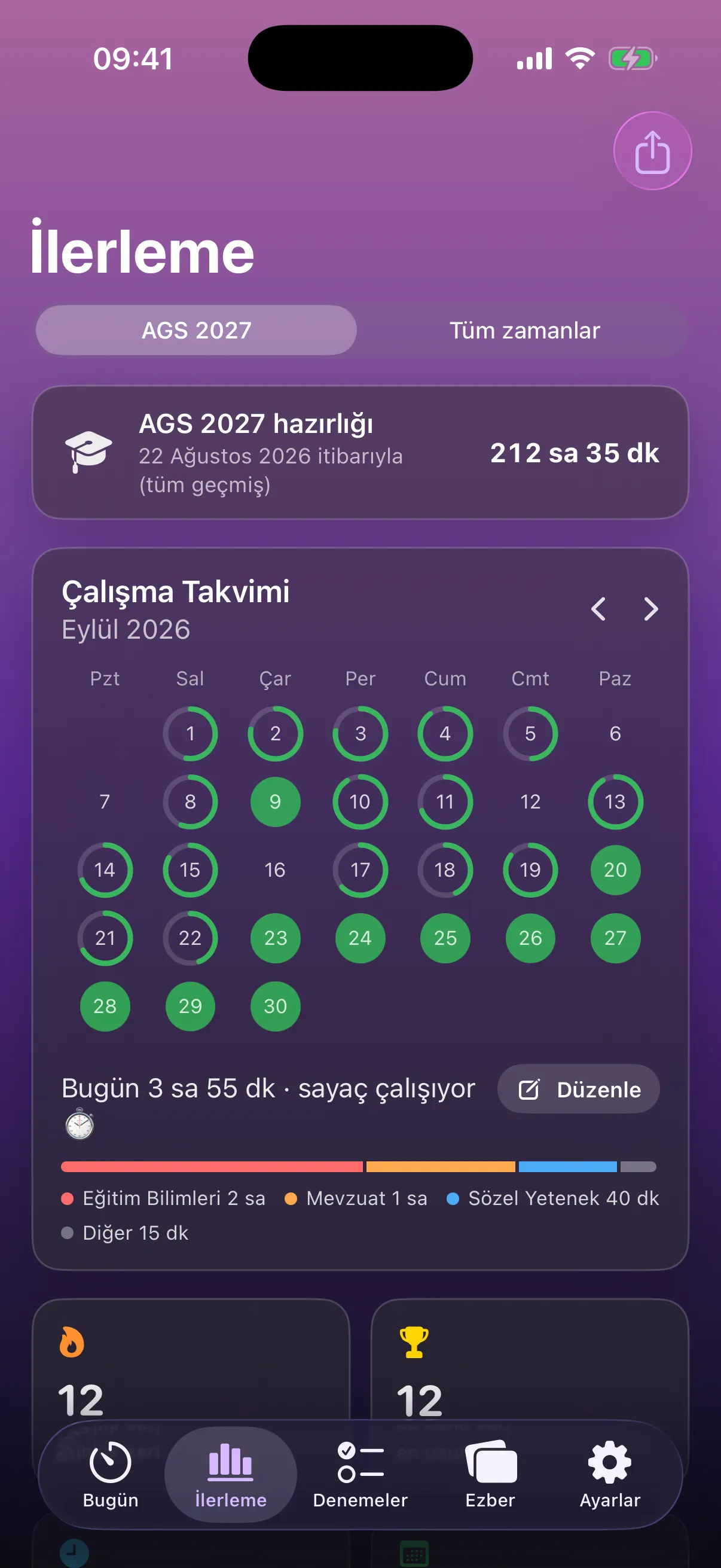
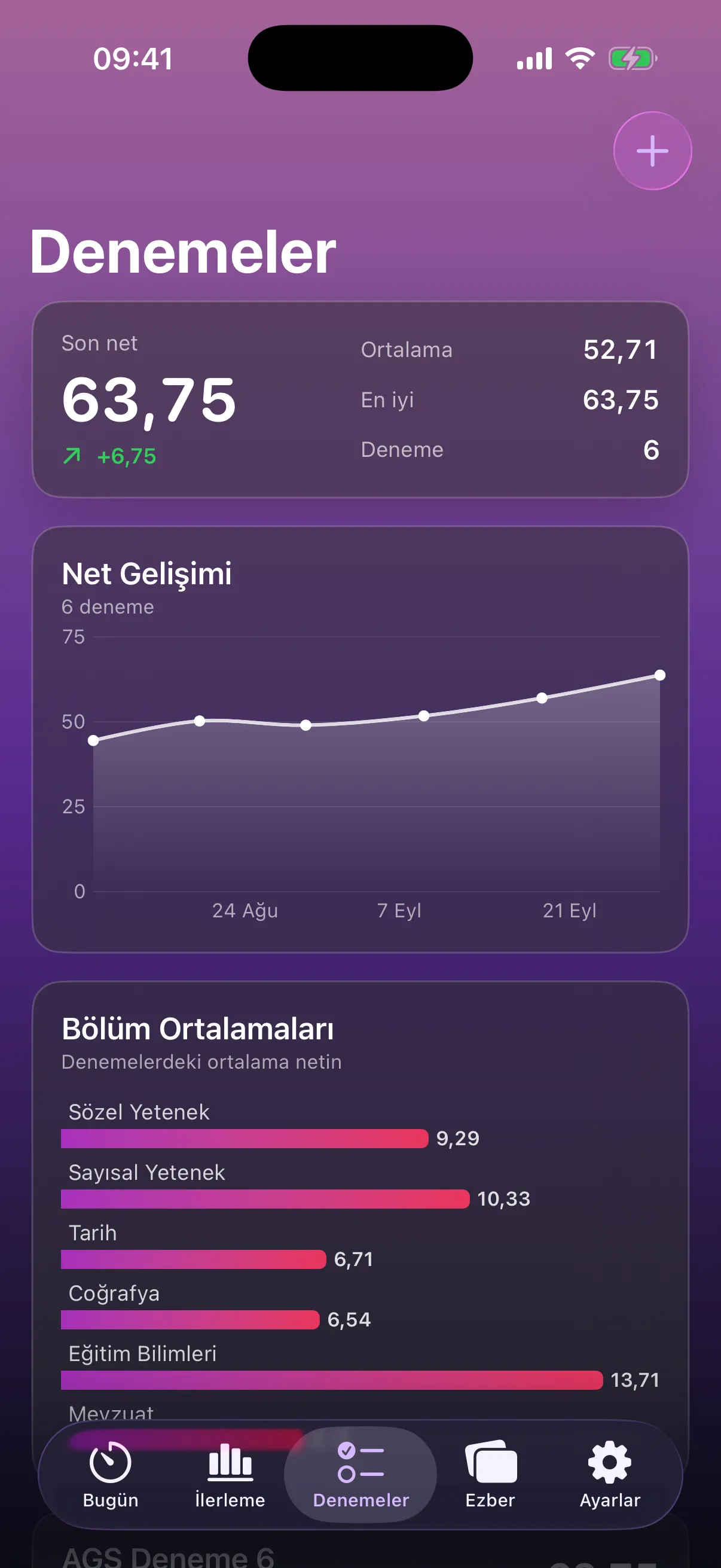
Keep your rhythm with a calendar, a streak and weekly summaries. Log mock exam scores and find where you lose points.
- 03
Learn it, keep it
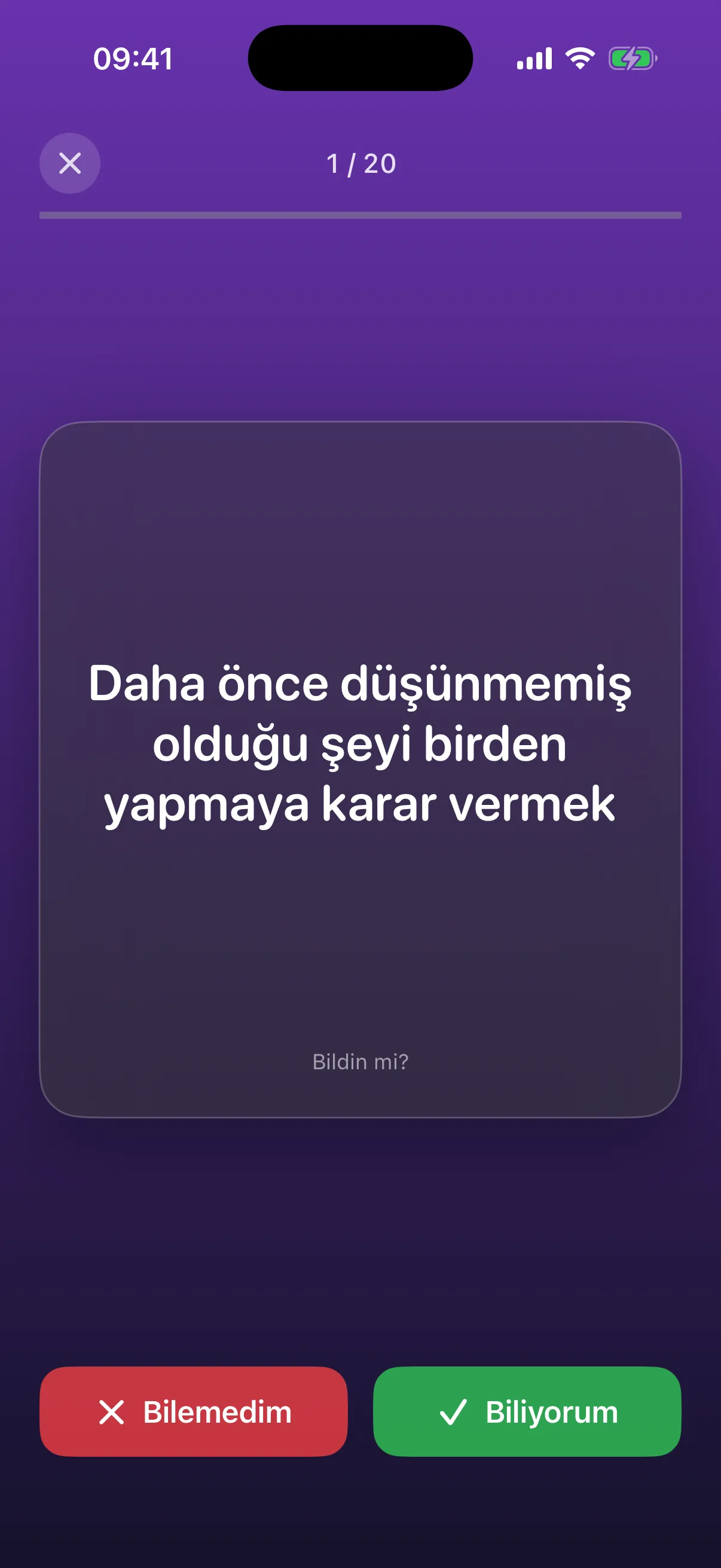
Study with 45 ready-made packs or your own lists. Spaced repetition brings back each card just before you forget it.
- 04
Reach it from anywhere
Ask Siri, start from a widget, stop from Control Center. You don’t even have to open the app.
- 05
Built around your exam
Pick your exam and its date; the countdown and subject suggestions follow.
Free and Premium
Free
- Subject timer, daily goal and streak
- Countdown and important dates
- Widgets, Live Activity, Siri and Control Center
- 3 mock exam results
- Your own flashcard lists and CSV import
- Share cards and file backups
Premium
- 45 ready-made flashcard packs
- Unlimited mock exams and score analysis
- Detailed statistics
- Share card themes and wallpapers
- More than one exam
- Automatic iCloud backup
Premium is a yearly subscription with the first 7 days free, or a one-time Lifetime purchase. Current prices are shown in the App Store.
No account. No ads. No tracking.
Your study data stays on your phone. If you turn on iCloud backup, a copy goes to your own iCloud account, where we can’t see it.
Something not working?
Check the common questions or write to us. contact@inklesslabs.com